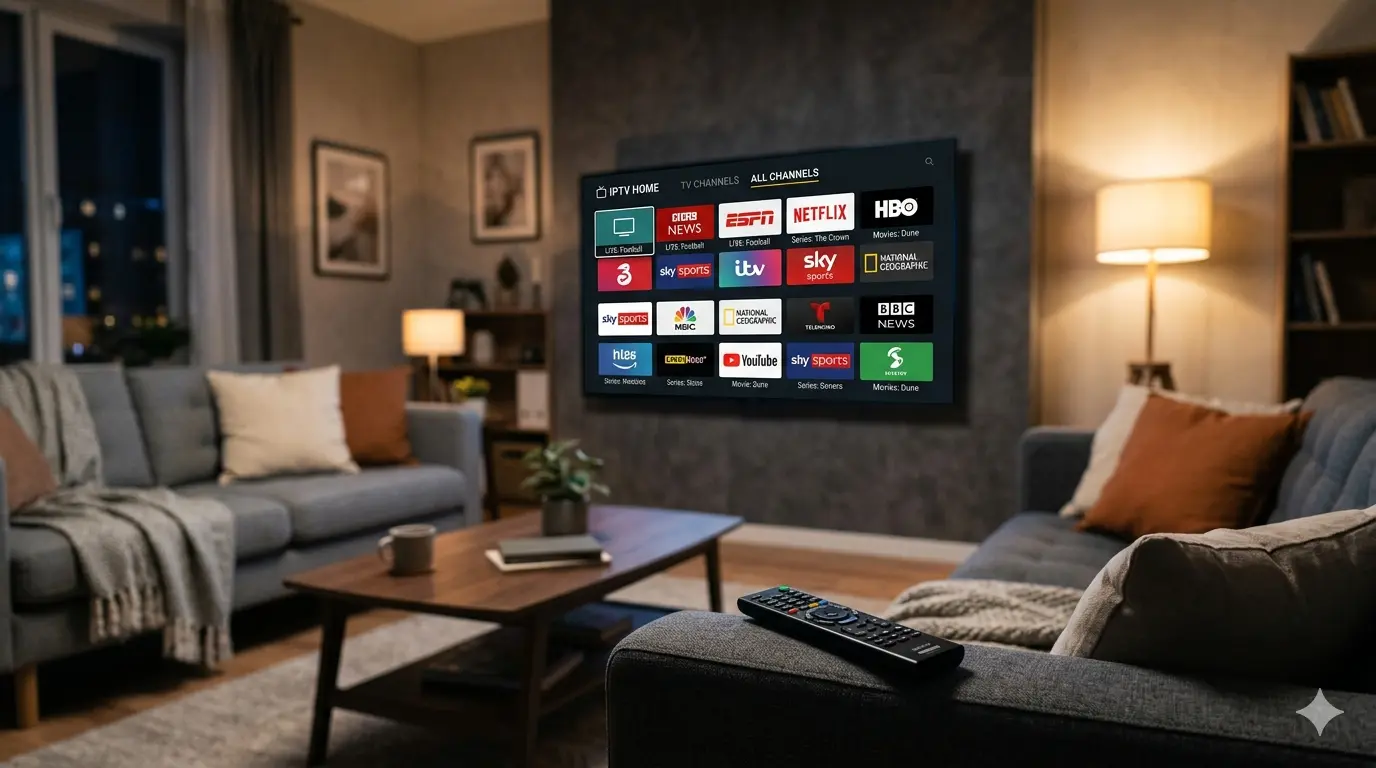
Using an IPTV Trial: What to Check During Testing
An IPTV trial is about more than just checking whether it works. This article shows you what to test systematically to make a confident decision.
Why a trial period is the smart move before committing
An IPTV trial gives you the chance to evaluate a package before taking out a longer subscription. You are not just testing the channels and picture quality — you are also checking whether installation runs smoothly on your specific device and whether your connection is strong enough for the quality you want.
Many people switching from cable or satellite want to be sure the change is worth it. A trial of a few hours to 24 hours is enough to form a fair judgement, as long as you work through the right things systematically.
Always test on your actual viewing device
The most common mistake during a trial is testing on a different device than the one you will use day to day. A stream that runs smoothly on your phone can stutter on your Smart TV, simply because the app behaves differently or the Wi-Fi signal is weaker in that part of your home.
Test your trial on exactly the device you plan to use: your Samsung or LG Smart TV, your Android box, your tablet or your laptop. Note how the installation goes, how quickly the channel list loads and whether the interface is comfortable to navigate.
What to check with live TV
Live TV is the most critical part of an IPTV package. Test several types of channels: news for a stable, lightly compressed stream, sports for high-motion footage, and entertainment for a varied viewing experience.
With each channel, pay attention to start time. A good stream starts within three seconds. Also check whether channels load quickly after switching and whether picture quality stays consistent after ten or fifteen minutes of uninterrupted watching.
- News: check stability and loading time
- Sports: watch for smoothness with fast-moving footage
- Entertainment: assess colour, sharpness and audio-video sync
- International channels: test whether channels from different countries are available
- EPG: check whether the programme guide is current and complete
Testing VOD, movies and series
The VOD library is just as important as live TV for many IPTV users. Search the library for recent films, classics and popular series and check how quickly they start. A good IPTV service loads VOD content within a few seconds, without prolonged buffering at the beginning.
Also check whether series include multiple seasons and whether subtitles are available for international titles. This gives you a clear picture of how complete the library is and whether it matches your viewing preferences.
How to assess your own internet connection
Buffering during a trial does not always point to a poor IPTV service. The cause is often your own internet connection, Wi-Fi coverage or other devices using a lot of bandwidth at the same time. Test at a moment when you have no large downloads or video uploads running in the background.
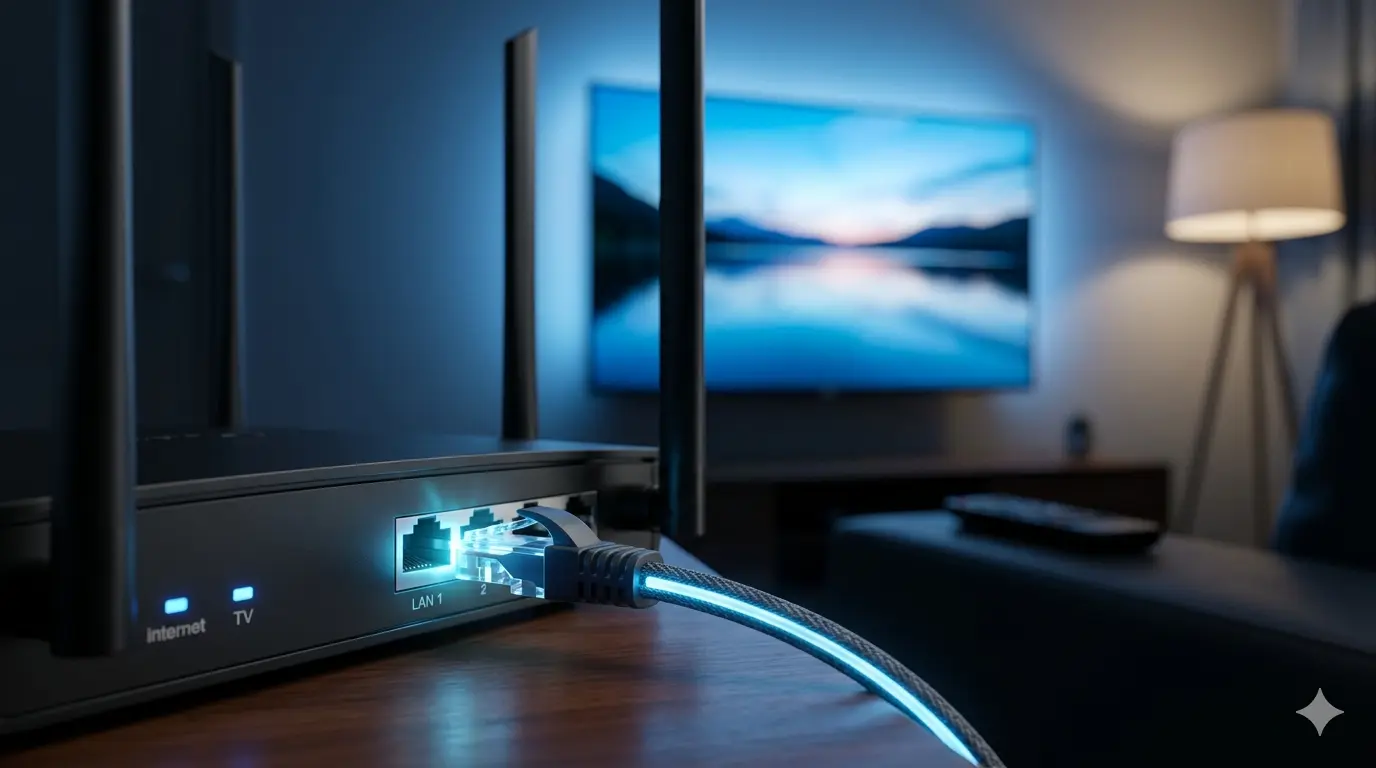
Use an ethernet cable instead of Wi-Fi if possible. If streams are stable over a cable but stutter over Wi-Fi, you know the IPTV service is working well and the issue is in your home network. That is valuable information to take into your final subscription decision.
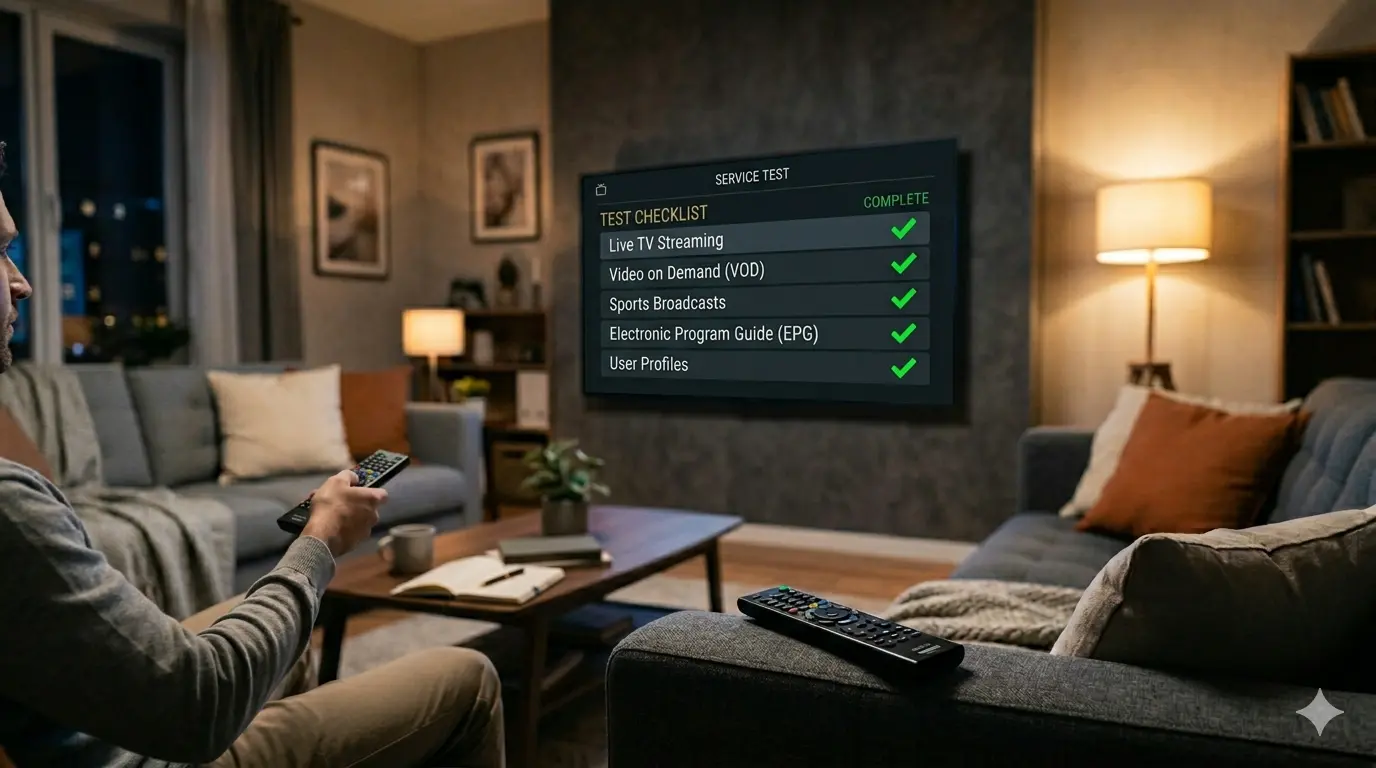
Checklist: what to test during your trial
To get the most from your trial, it pays to work through it systematically. Do not rely on the first impression alone — go through the most important parts of the package deliberately so you can make a well-informed decision.
- Test installation on your real viewing device
- Watch at least five different live channels
- Test a sports channel during a live match or highlights
- Start a movie or series from VOD
- Check subtitles on an international title
- Test channel-switching speed across several changes
- Test the connection via Wi-Fi and ethernet
- Check the EPG for completeness and accuracy
What to do after the trial
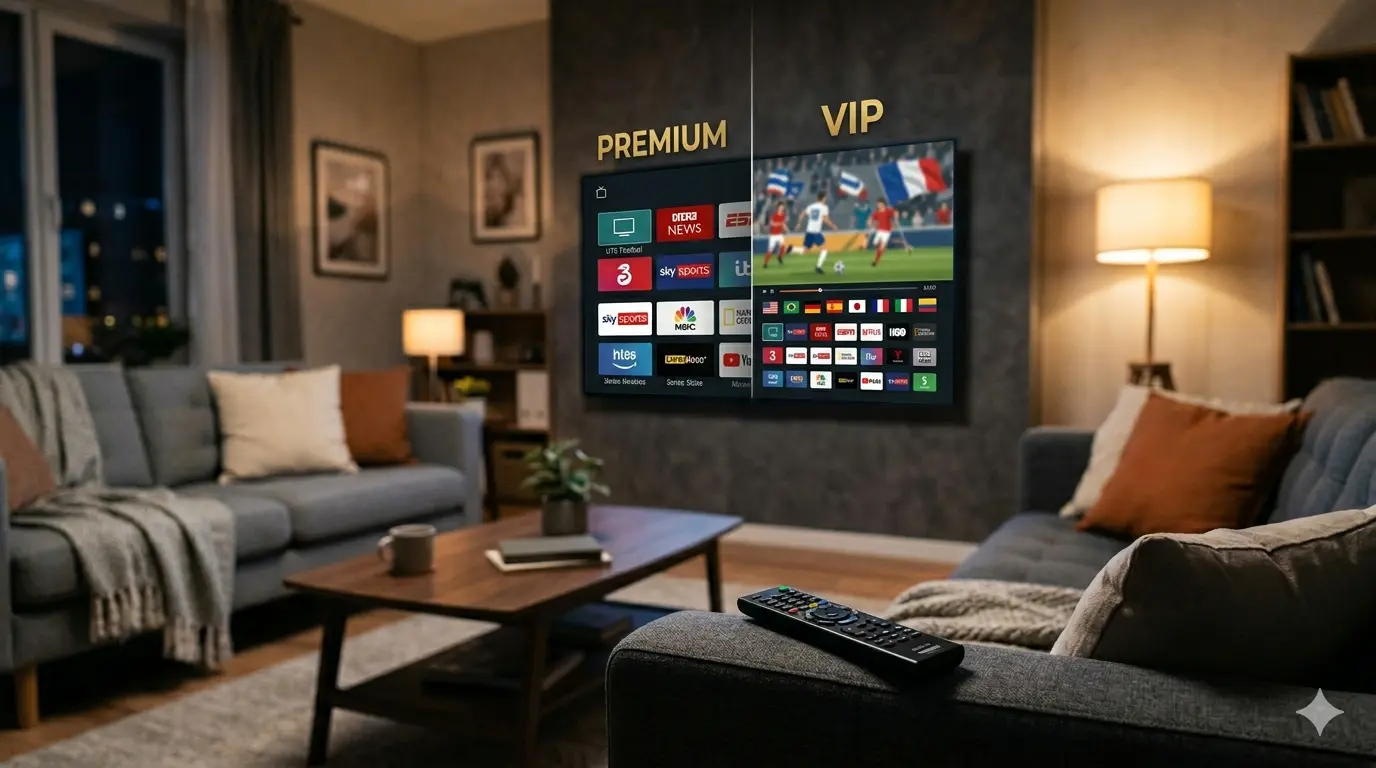
After a successful trial, moving to a full subscription is straightforward. You choose the package that suits you best — Premium or VIP — and the duration that matches how often you watch. Your activation details for the full subscription are usually sent quickly via WhatsApp or email.
If the trial did not meet your expectations, note down exactly what went wrong: was it an unstable connection, a specific channel that did not work or an installation issue? That information helps support get you set up quickly, so your full subscription works correctly from day one.